




The Monthly Maintenance Checklist for Fiber Lasers
Twelve checks that keep a fiber cutting machine at day-one performance for years.
The optics path
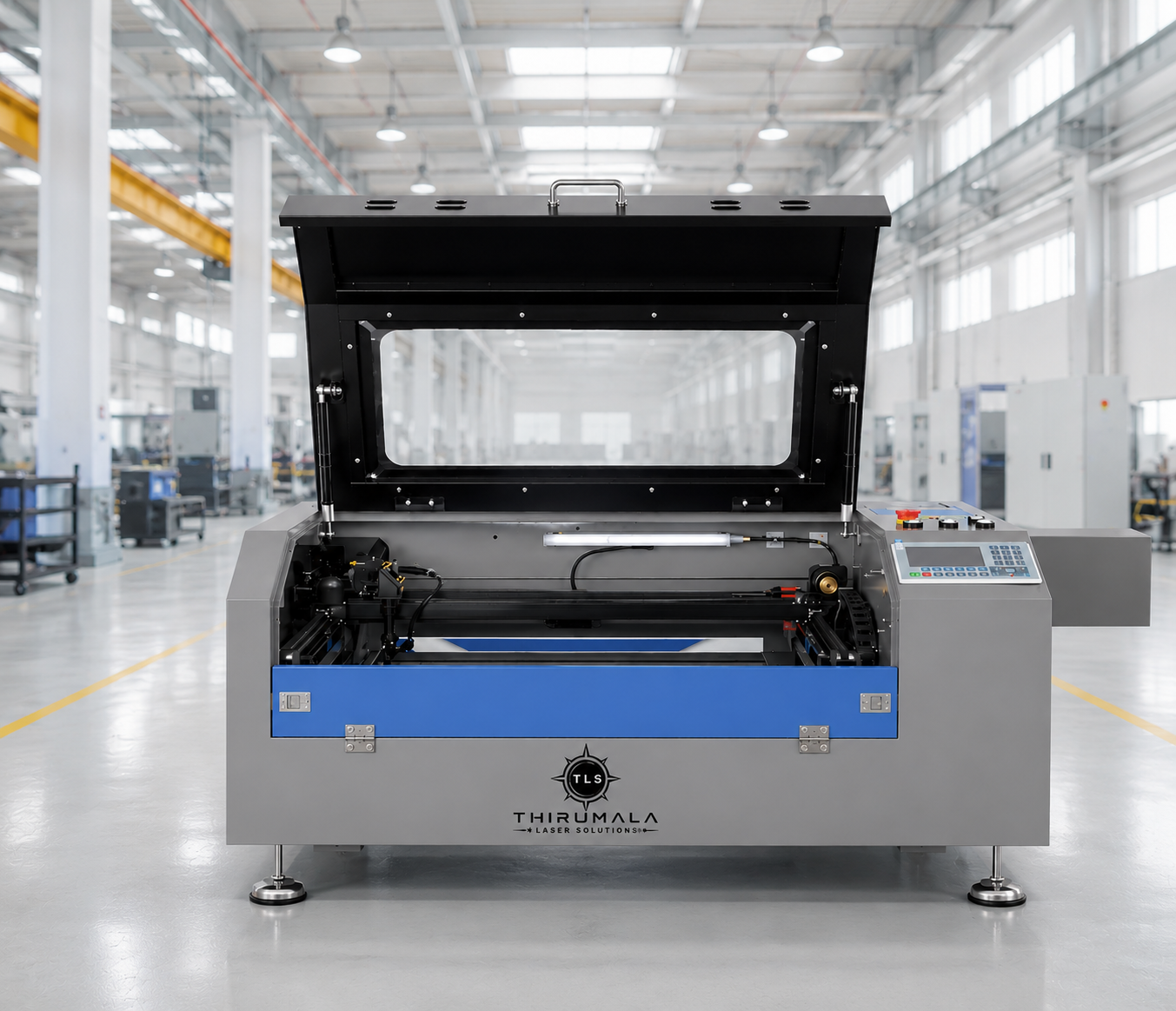
Inspect the protective lens weekly, the collimating and focusing lens monthly. A single spatter mark on the protective window starts as a small loss of power and ends as a cracked lens. Swapping a window costs minutes; swapping a focusing lens after a strike costs hours.
Check nozzle alignment and concentricity at every tooling change. A misaligned nozzle sends the assist gas off-axis and shows up immediately as a dross-heavy edge.
Gas, water and dust
Log your assist gas pressure at the start of every shift — a slow leak in the line is the most common cause of edge quality drift. Check chiller flow and temperature daily; a chiller running warm shortens the life of the cutting head.
Clean the dust extraction filter and the slat bed weekly. A clogged filter pushes fumes back into the machine and a dross-loaded slat bed re-marks the underside of your sheet.
The things that catch you off guard
Back-reflection from highly reflective stock — copper and brass especially — can damage a fiber source over time. Run a reflection-safe parameter set on these materials and monitor the return power trend monthly.
Book a full optical alignment and beam-profile check once a year. It is the single service item that separates a machine that cuts like new after five years from one that has slowly lost 15 percent of its edge speed without anyone noticing.
The daily, weekly and monthly routine
Daily: inspect the protective window, check chiller level and temperature, drain the air dryer, confirm assist gas pressure and wipe the linear rails. Weekly: clean the extraction filter and slat bed, check nozzle concentricity, grease the rack and pinion per the manual and verify the emergency stops.
Monthly: inspect collimating and focusing optics, calibrate the capacitive height sensor, check the machine level and squareness, review the chiller coolant condition and back up your cutting parameter library. Quarterly: replace coolant and air filters, inspect all cable chains and re-torque bed fasteners.
Ten minutes of routine work per shift prevents almost every emergency call-out we attend.
Cut-quality symptoms and their usual cause
Dross on the underside of mild steel usually means low assist gas pressure, a worn nozzle or a focus that has drifted low. Rough striations on stainless point to nitrogen purity or an off-centre nozzle. A tapered edge suggests the focal position is wrong for the thickness, and inconsistent piercing means a dirty protective window or unstable gas supply.
Loss of cutting speed on old parameters is often gradual contamination of the optics rather than a failing source. Measuring output power quarterly turns that guesswork into data.
Consumables, spares and service planning
Keep protective windows, nozzles, ceramic rings, filter cartridges and a spare set of chiller filters on the shelf. Log every consumable change against machine hours: the trend tells you when something upstream — humid air, poor gas, a leaking line — is quietly eating your margin.
An annual maintenance contract covering optical alignment, beam profiling, axis calibration and chiller servicing keeps the machine at day-one edge speed and protects resale value. Our engineers support installations across India with priority response and remote diagnostics.
Frequently asked questions
How often should the protective window be replaced? Whenever spatter or a haze is visible — typically every one to four weeks depending on material and duty cycle.
Does the chiller need distilled water? Yes, deionised or distilled water with the manufacturer-specified additive; tap water scales the cooling circuit and shortens source life.
Can I cut copper and brass on a fiber laser? Yes, with reflection-safe parameters and a suitable cutting head — always confirm the source is rated for high-reflectivity material.
Need help getting an older machine back to day-one performance? Our service team can run a full audit, alignment and parameter refresh on site.